Coffee 101
The best café finder apps of 2026, compared.
The five café finder apps worth knowing about in 2026 are Kava, Th3rdwave, Roasters, Beany and CafeRadar. Each one does a different job. Th3rdwave is the Canadian specialty directory. Roasters has the most detailed community reviews, with separate scores for coffee, service and atmosphere. Beany and CafeRadar are the ones to open abroad. Kava shows the cafés on your own map that you haven't been to yet.
One thing up front: we make Kava. That is why we know this category well, and it is also why you should check our claims. Every number about the other four apps comes from their own App Store listing or website, linked below, as of October 2026.
Quick summary
- Best for a personal map of your city: Kava. The map starts blank, fills in as you rate cafés, and the cafés still blank are your shortlist.
- Best for Canada: Th3rdwave says it lists over 5,000 cafés across Canada and major cities around the world.
- Best for community reviews: Roasters lists 294 specialty cafés and roasters in Toronto and 298 in Montreal, with reviews written by its users.
- Best for travel: Beany lists 8,300+ specialty cafés in 1,900+ cities. CafeRadar's FAQ says 40,000+ cafés in 100+ countries.
- Best for private notes: Kava has no public feed, no followers and no profile. Roasters reviews are public, Beany Pro adds a public profile and a friends' feed, and CafeRadar lets you follow friends.
What makes a café finder app worth using?
We compared the five apps on three questions.
Does it show you cafés you'd actually go to?
Broad coverage is not the same as useful results. A map with 50 generic pins is not better than one that points you at the six you haven't tried. Th3rdwave, Roasters and Beany curate specialty coffee, so their pins are a shortlist before you start. CafeRadar mixes both: 40,000+ cafés, of which it says 9,000+ are specialty. Kava lists every café in the open Overture Maps data, chains included, and lets you hide the big chains for free.
How much ground does it cover?
Coverage decides whether the app works where you are. The specialty apps are strongest in big cities and thin out in smaller ones. Kava's catalogue comes from Overture Maps, the open map data project hosted by the Linux Foundation, so it lists cafés well beyond the big cities, from Toronto to a small town. The trade-off is that Overture tells you a café exists, not whether the espresso is any good. That part is yours to find out.
Does it get more useful the more you use it?
All five apps let you keep some record of where you've been. Th3rdwave has a Coffee Book of visited places. Roasters logs visits in a coffee passport. Beany Pro has check-ins, and CafeRadar has a Coffee Passport and streaks. The difference is what the app does with that record. In most of them, your history is a list. In Kava, it is the map itself: what you've visited is filled in, and what you haven't is left blank on purpose.
Café finder apps side by side: coverage, visits, privacy and price
| App | Best for | Coverage, as each app states it | Your visits | Privacy | Price |
|---|---|---|---|---|---|
| Kava | Your own café map | Overture Maps data, any city | The map fills in | No feed, no followers | Free |
| Th3rdwave | Canada | 5,000+ cafés | Coffee Book | Café "love" counts, loyalty cards | Free |
| Roasters | Reviews | 23,000+ in 126 countries | Visit log, passport | Public reviews | Free. Pro tier |
| Beany | Travel | 8,300+ in 1,900+ cities | Check-ins (Pro) | Public profile (Pro) | Free. Pro €0.99/mo |
| CafeRadar | Rewards, travel | 40,000+ in 100+ countries | Passport, streaks | Follow friends | Free |
Sources: Th3rdwave on the App Store, Roasters and its Toronto and Montreal guides, Beany, CafeRadar.
Th3rdwave: the Canadian specialty directory
Th3rdwave is based in Montreal and calls itself the largest coffee app in Canada, with over 100,000 users. Its App Store listing says you can search over 5,000 cafés with filters like filter brewing, multi-roaster and laptop-friendly. It also keeps your loyalty cards for independent cafés in one place, and sells a monthly coffee subscription from small Canadian roasters.
Pick Th3rdwave if you want a vetted specialty list for a Canadian city. It is the only one of the five that is based in Canada and built around Canadian cafés.
Roasters: detailed community reviews
Roasters is a community-built map of 23,000+ specialty cafés and roasters in 126 countries, by its own count. Its Toronto guide lists 294 places and its Montreal guide 298. Reviews score coffee, service and atmosphere separately, with up to 10 photos each, and café owners can reply.
Pick it if you want to read what other coffee drinkers thought before you walk in. Keep in mind the reviews are public, including yours.
Beany: specialty coffee when you travel
Beany lists 8,300+ verified specialty cafés in 1,900+ cities across 110+ countries, and says it does not take money from cafés or roasters to appear. The map is free. Beany Pro, at €0.99 a month or €9.99 a year, adds check-ins, coffee and service ratings, notes, a public profile and a feed of friends.
Pick it for a trip. Its verified-only list means fewer pins to sort through in a city you don't know.
CafeRadar: the widest net
CafeRadar's FAQ says it maps 40,000+ cafés in 100+ countries, 9,000+ of them specialty. It leans into rewards: check-ins earn points, partner cafés issue digital stamp cards, and a Coffee Passport and weekly streaks track where you've been. It's free on iPhone and Android.
Pick it if check-ins and rewards are what keep you trying new places.
Kava: the cafés you haven't been to yet
The blank map
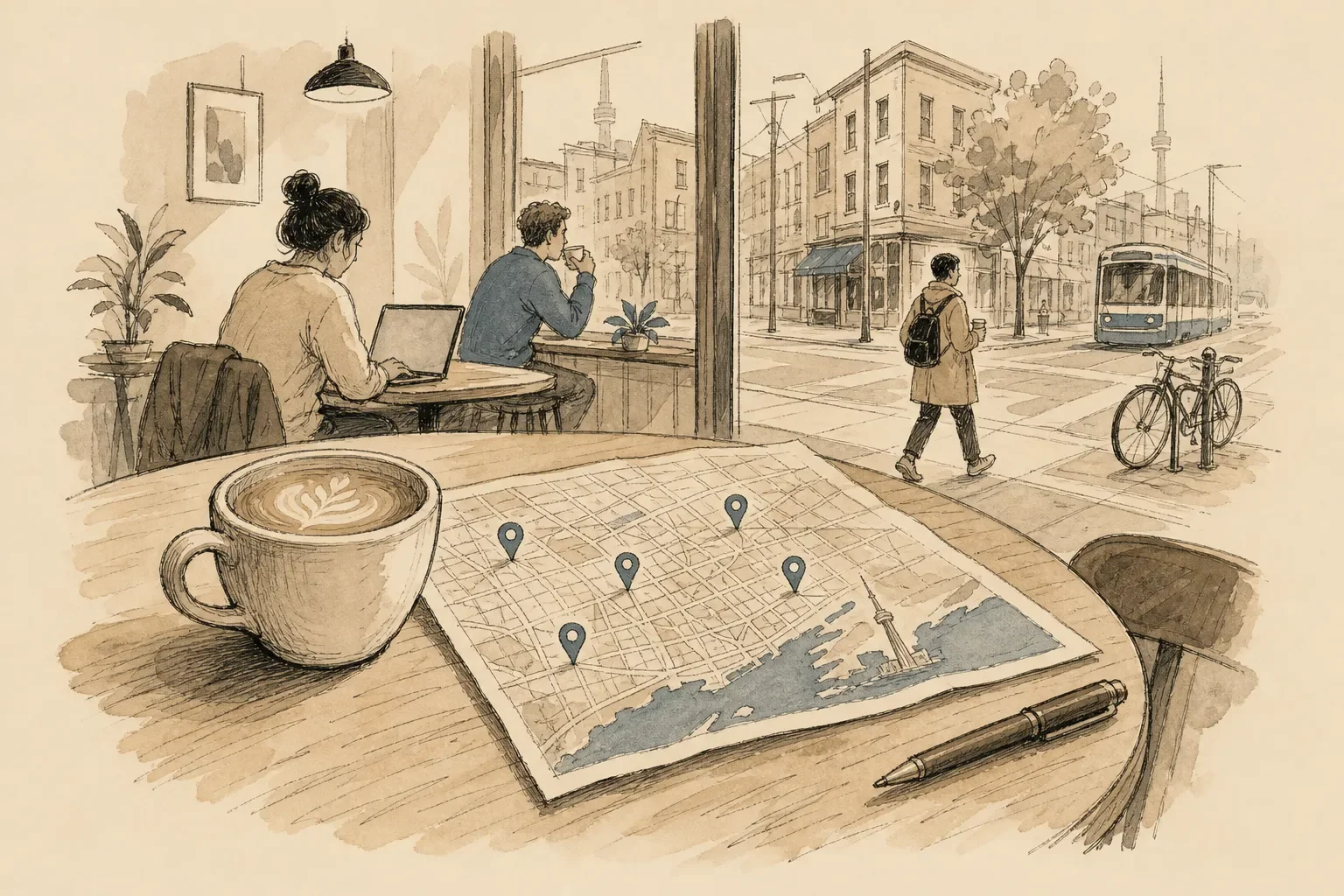
Kava fills a city map with cafés from Overture Maps data. The ones you've rated fill in with colour. The ones you haven't stay blank. That is what a cafe map app does that a finder doesn't. A progress tracker shows what share of a city's cafés you've scratched off, so thirty cafés is 5% of the 579 on Kava's Toronto map.
The other apps answer "what's good near me?" Kava answers "which one haven't I tried?"
Private ratings: no feed, no followers
You rate each café and add a note on the cup, the seat, the noise or the Wi-Fi. Five scores, not one star explains how we judge one. None of it is public. There is no feed, no followers and no strangers' scores on your map. The payoff comes later: months on, you can still check whether that corner spot on Queen was actually quiet on a Tuesday morning.
What it costs
Mapping cafés, your notes, ratings and photos are free, and they stay free. No account is needed to start. Hiding the big chains is free and needs no account, and backup to a new phone needs a free account. Later we plan kava+, a paid add-on for backup and for hiding big chains. We will tell you in the app before anything changes.
Kava is iPhone first and comes to the App Store soon.
Which café finder app should you download?
If you want a map of your own city
Use Kava. If you've been to a dozen cafés in your neighbourhood and want to know which ones you haven't tried, the blank map shows you. Add your usual spot first and watch the map fill in. For more ways to build the shortlist, see how to find local coffee shops.
If you want specialty coffee across Canada, or reviews
Th3rdwave is the strongest single option for specialty cafés in Canada. Roasters is the one to open when you want to read other people's reviews first. Both work well next to Kava: use them to decide what's good, and Kava to remember what you thought.
If you're travelling
Beany and CafeRadar. Beany is the tighter specialty list, CafeRadar the wider net with rewards.
If you only want the closest coffee
Google Maps is still the practical fallback for hours and directions. It won't tell you which cafés you've already been to. If you want to skip the chains in it, how to find independent cafes near me has the search strings.
The verdict
Th3rdwave covers Canada, Roasters has the most detailed reviews, and Beany and CafeRadar are the ones to take abroad. Kava doesn't have the biggest list or the most reviews. It has your map, and it keeps the cafés you haven't tried in plain sight.
Start your map, no account needed.
Questions
Which cafe finder app is best for building a personal map of cafés I've already visited?
Kava. Th3rdwave, Roasters, Beany Pro and CafeRadar all keep a log of your visits, but in Kava the log is the map itself. Each café you rate fills in, and the cafés you haven't visited stay blank, so they are what you see next. Your ratings stay private, with no public feed and no followers.
Which app has the widest coverage across Canada?
Th3rdwave. Its App Store listing says you can search over 5,000 cafés across Canada and major cities around the world, and the app is based in Montreal. That Canadian focus is why we name it best for Canada. Kava lists cafés in any Canadian city from Overture Maps data, but it does not say which ones are specialty.
What are the best apps for international travel to find specialty cafés?
Beany and CafeRadar. Beany says it lists 8,300+ specialty cafés in 1,900+ cities across 110+ countries. CafeRadar's FAQ says it maps 40,000+ cafés in 100+ countries. Roasters is also strong abroad, with 23,000+ cafés and roasters in 126 countries by its own count.
Which app has the most reliable listings, and how do they handle closed cafés?
No app catches every closure, and listings get thinner in smaller cities in all five apps. Th3rdwave, Roasters and Beany curate their lists, and Roasters users and café owners keep its reviews current. Kava uses Overture Maps data and leaves out restaurants, delis and listings that look closed, so a pin on the map is a café you can walk into.
Do any of these apps get more useful the longer I use them?
Yes, but in different ways. Roasters and CafeRadar build a coffee passport of your visits, and CafeRadar adds streaks and rewards. In Kava, every café you rate fills in on your map, so the blank pins that remain are your shortlist, and that shortlist changes as you go.
Which app offers the best user reviews for Toronto and Montreal cafés?
Roasters. Its city guides list 294 specialty cafés and roasters in Toronto and 298 in Montreal. Reviews score coffee, service and atmosphere separately, with up to 10 photos, and café owners can reply. The reviews are public.
Are the apps free to start, and how do they handle privacy?
All five are free to start. Kava is free to map and rate cafés, with no account needed, and hiding the big chains is free too. Kava has no public feed and no followers, and your ratings stay on your phone unless you turn on backup. Roasters reviews are public, Beany Pro adds a public profile and a friends' feed, and CafeRadar lets you follow friends.